Adapting to change can feel overwhelming for any organization. The best results come from a clear, practical approach to planning. I’ve learned that effective organization planning helps teams handle unexpected switch ups and reach goals without major hiccups. This article covers practical strategies and tips for steering through change by organizing planning efforts in a way that keeps teams steady and focused.
Effective Organization Planning
Good organization planning sets the direction for everything else. When a workplace faces changes, like a new management structure or a switch in priorities, having a plan gives everyone a sense of direction. I’ve seen organizations skip this step and end up with frustrated employees and missed goals.
Planning covers more than just setting up meetings and writing documents. It’s about defining what needs to happen, figuring out how to get the right people involved, and choosing the tools that will make everything easier. When changes pop up (and they always do), a flexible plan means people stay focused on what matters most.
Here are a few things I always include in effective planning:
- Clear Objectives: Outlining what you want to achieve, both short term and long term, keeps the team’s focus sharp.
- Defined Roles: Everyone knows what part they play, which tones down confusion if plans need adjusting.
- Resource Mapping: Taking stock of budgets, tech, and people resources helps you avoid last minute scrambles.
- Risk Assessment: Spotting possible hurdles and having backup plans means problems can be dealt with quickly.
In my experience, having all these pieces in place makes changes less stressful, and it gives a boost to teamwork since everyone knows what’s coming next.
One tip I’ve learned is to keep your objectives visible. Posting them on digital dashboards or even in the office helps remind everyone of the common goals while moving through changes. Over time, this habit helps build a team culture around transparency.
Organizational Change Management Techniques
Handling change well depends on the right management techniques. I’ve worked with teams that use special frameworks to make big transitions much smoother, like moving to new software or mixing up workflows.
Here are some reliable techniques that work well:
- Communication Planning: Sharing updates and next steps regularly stops rumors and keeps everyone on the same page. It’s helpful to set up a communication schedule, such as weekly updates, town hall meetings, or quick check ins.
- Stakeholder Engagement: Bringing people into discussions early on helps lessen resistance. I always ask for feedback and include different perspectives, which helps people feel involved and valued.
- Training and Upskilling: When change introduces new processes or tech, training keeps teams confident. Even short sessions or quick video tutorials can make a big difference.
- Feedback Loops: Creating a system to collect ongoing feedback means you catch problems early. I encourage open door policies or quick digital surveys to keep everyone comfortable sharing concerns.
Applying these techniques helps changes happen with fewer bumps. People adjust faster when they feel supported and informed, lowering stress and boosting morale.
Don’t underestimate the power of celebrating small wins. Even acknowledging quick successes can bring a big morale boost during tough transitions, so I recommend baking recognition into your change management routine.
Best Practices for Organizational Planning
Through a mix of research and hands-on work, I’ve found these best practices consistently lead to better results when steering through change:
- Start With a Baseline: Map out where the organization stands before making decisions. This includes current processes, team strengths, and tech tools.
- Set Realistic Timelines: Allow enough time for each phase, especially during transitions, so people don’t get overwhelmed or rushed.
- Match Up With Key Values: Make sure plans fit with your organization’s purpose and culture. Change sticks when it fits with the way people already like to work.
- Break Work Into Phases: Tackling change in small steps is easier than trying to do everything at once. I often build in check points to celebrate wins and course correct if needed.
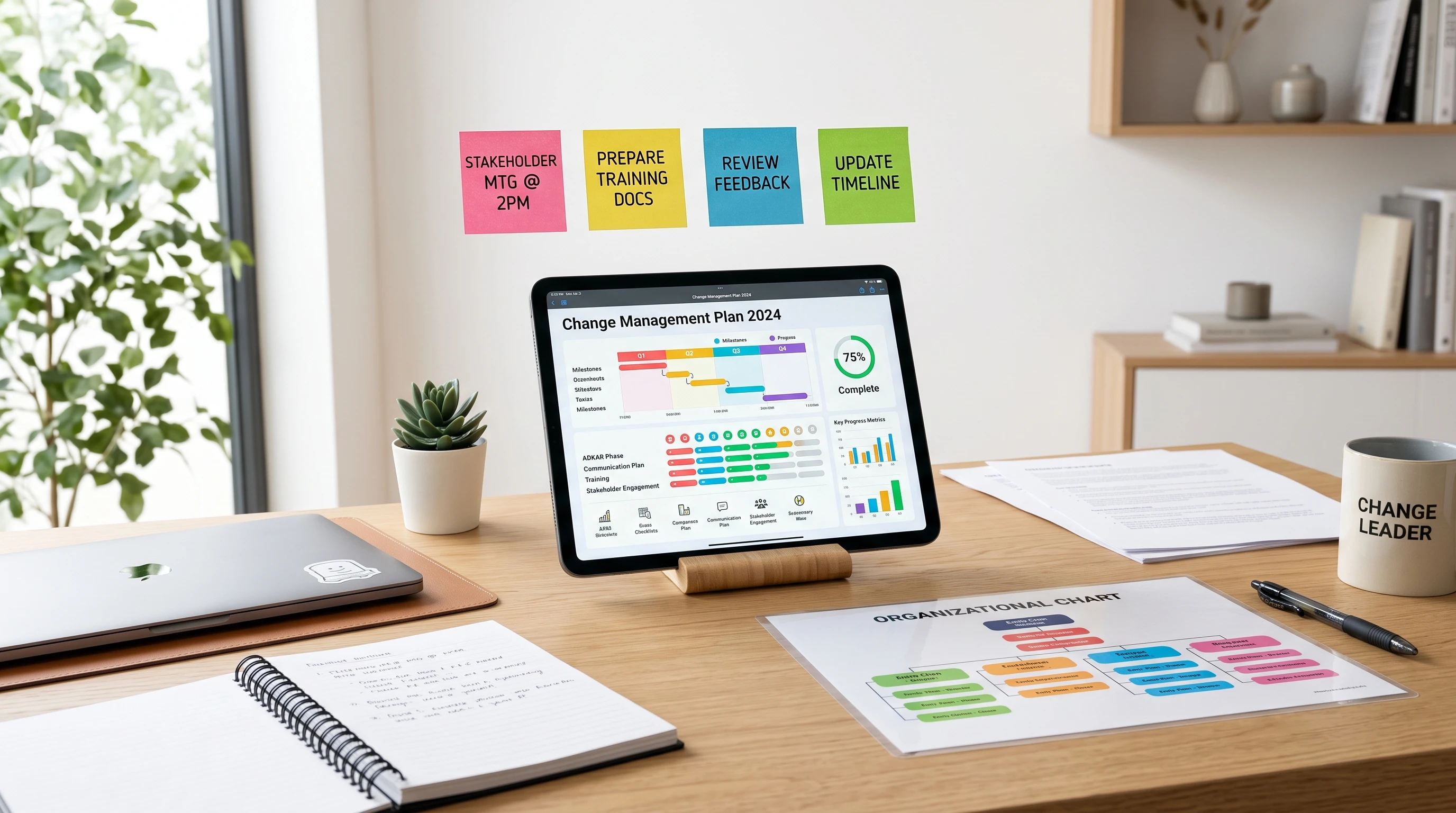
- Track Progress: Use visual tools like charts or dashboards to show how things are going. This keeps momentum high and makes small wins visible.
All these steps encourage collaboration. When everyone in your organization feels involved and sees progress, change doesn’t just feel manageable. It can spark new ideas for improvement.
Another good habit is holding regular retrospectives to talk about what’s working and what isn’t. This honest reflection builds trust and helps you make smarter plans for the next cycle of change.
Change Management Planning Tools
Technology makes organization planning way less complicated. I rely on a few tools to keep things organized and moving forward, especially during big changes.
Here are tools that I find super useful:
- Project Management Software: Platforms like Trello, Asana, or Monday.com help teams visualize workflows and track tasks easily. Platforms like Monday.com help businesses organize projects, assign responsibilities, monitor deadlines, and provide real time visibility into changing priorities. Having a centralized workspace can reduce confusion, improve collaboration, and help organizations adapt more smoothly during periods of change. If your business is preparing for organizational change or looking for ways to improve collaboration, Monday.com is worth exploring. Its project management and workflow tools can help your team stay organized, adapt to changing priorities, and keep important initiatives moving forward. Click the link to learn more about Monday.com and start a free trial.
- Gantt Charts: These are perfect for mapping project timelines, dependencies, and seeing which work streams overlap.
- Surveys and Polls: Simple tools like Google Forms or SurveyMonkey make it easy to collect team feedback and keep a pulse on morale.
- Document Sharing: Cloud based apps like Google Drive or Dropbox let everyone access planning materials wherever they are, which comes in handy if your team works remotely.
- Dashboards: Tools like Power BI or Tableau help visualize progress, risks, and resource usage. Leaders can make quick decisions since everything is right in front of them.
The best part about these tools is how adaptable they are. Even a small team with a tight budget can pick one or two options and make a real impact. As your needs change over time, you can always add more advanced options when ready.
If technology is new to your team, start small. Pick just one tool everyone feels comfortable with. I’ve seen organizations thrive by starting with something as basic as shared Google Sheets before graduating to more robust solutions.
Common Challenges and How to Handle Them
Every organization hits a few roadblocks when putting together a new plan or trying to manage change. Here are a few issues that often come up, and tips I’ve put to use for handling them:
- Resistance to Change: This is almost always an issue, but it can be lessened by sharing the “why” behind decisions and letting people voice concerns.
- Overlapping Priorities: Sometimes teams get stuck handling too many projects at once. Prioritizing with simple lists or digital boards helps focus energy where it counts most.
- Lack of Data: Decisions are easier when you have solid information. Collect baseline data upfront, and update it regularly to guide the planning process.
- Communication Breakdowns: Regular updates are very important. If teams start missing meetings or stop replying to updates, mix up the format to see what works better, like trying short video messages or live Q&A sessions.
Being honest about challenges stops things from snowballing. Everyone hits road blocks, but real progress comes from staying flexible and being open to mixing up your approach when needed.
Encourage a team attitude where problems are seen as regular parts of growth, not signs of failure. This mindset can make tough transitions a little easier for everyone involved.
FAQ About Organization Planning and Change Management
Here are answers to some questions that frequently come up when talking about organization planning and managing change.
Question: How do I start an organization plan?
Answer: Start by figuring out what your goals are, who needs to be involved, and what resources you have. From there, set up a plan with steps and deadlines you can actually track. Don’t worry about making it perfect. You can always revise as you go.
Question: How can I keep my team on board during a big transition?
Answer: Regular check ins, open feedback, and celebrating even small progress keep everyone feeling connected. Transparent communication goes a long way, especially if unexpected bumps show up.
Question: Are digital tools necessary for effective planning?
Answer: They aren’t always required, but they do make things easier, especially for bigger or more complex projects. Even basic tools like shared documents or spreadsheets can smooth the way for the whole process.
Question: What if a plan fails?
Answer: It’s not the end of the world. Revisit the pieces that didn’t work, get input from your team, and adjust your approach. Flexibility is one of the most valuable traits in successful organization planning.
Final Thoughts
Careful, flexible planning makes steering through organizational change a lot less stressful. By taking a straight forward approach, choosing practical tools, and supporting each other as a team, any organization can roll with changes and come out stronger on the other side. Remember: staying open to feedback and mixing things up as needed is the real secret to making planning work for everyone.
Here’s a little transparency: Our website contains affiliate links. This means if you click and make a purchase, we may receive a small commission. Don’t worry, there’s no extra cost to you. It’s a simple way you can support our mission to bring you quality “Business Planning content.”
I enjoyed reading this because organizational change is often much more about people than it is about processes. You can have the best plan in the world, but if people don’t understand why the change is happening or don’t feel included, even a good strategy can struggle. I especially liked your emphasis on clear communication, defined roles, and breaking change into manageable phases instead of trying to transform everything overnight.
I’ve worked in management as manager in a store that was one of 5 locations within the small family run business. I’ve also worked in customer service for a large worldwide textbook corporation. I can say that changes were easier to accept in the small business than in the large corporation where I am way down the chain of command. I think that is because in the corporation the changes weren’t communicated well. Often the changes were in areas that seemed to be working fine previously.
One thing I’ve noticed is that resistance to change isn’t always because people dislike change itself. Sometimes they’re simply uncertain about what the change means for their role or whether they’ll be successful in the new environment. Good communication and training can go a long way toward easing those concerns.
In your experience, what has the biggest impact on helping employees embrace change—strong leadership communication, involving them early in the planning process, or celebrating small wins along the way?
– Scott
Thanks for the comment.
Employees will embrace change if it is explained to them why the change is being made. It really is all about having great communication. I have done organization planning and position definition in many organizations of all sizes and have found that works the best.
You are so right, effective planing and organization of your company should have clear objectives and defined roles for your employees. Risk assessment is also a must so that you can prepare for the worst case scenario.
What do you recommend tool wise to get this process right that won’t cost an arm and a leg for smaller companies. There are loads of different softwares, but not all of them have everything you need or are overpriced. Maybe it would be better to get your software designed for your specific needs?
Thanks for the comment.
Software speeds up the process but the work can be done without it. I spent years consulting small companies and doing the organization planning without software. If you choose to use software I would recommend Monday.com. It is excellent software and they do offer a free plan as a starter. I have also experienced having software designed to meet specific needs. It can be done but the process gets expensive quickly