
Staying on top of finances isn’t exactly everyone’s favorite part of running a business. If you’re like me, you probably wish you could spend less time shuffling paper work and more time actually growing your brand. That’s where accounting software steps in; it has become the go to for making financial processes a lot less stressful and much more accurate. I’m breaking down how you can use the right accounting software to really simplify the way you handle money in your business.
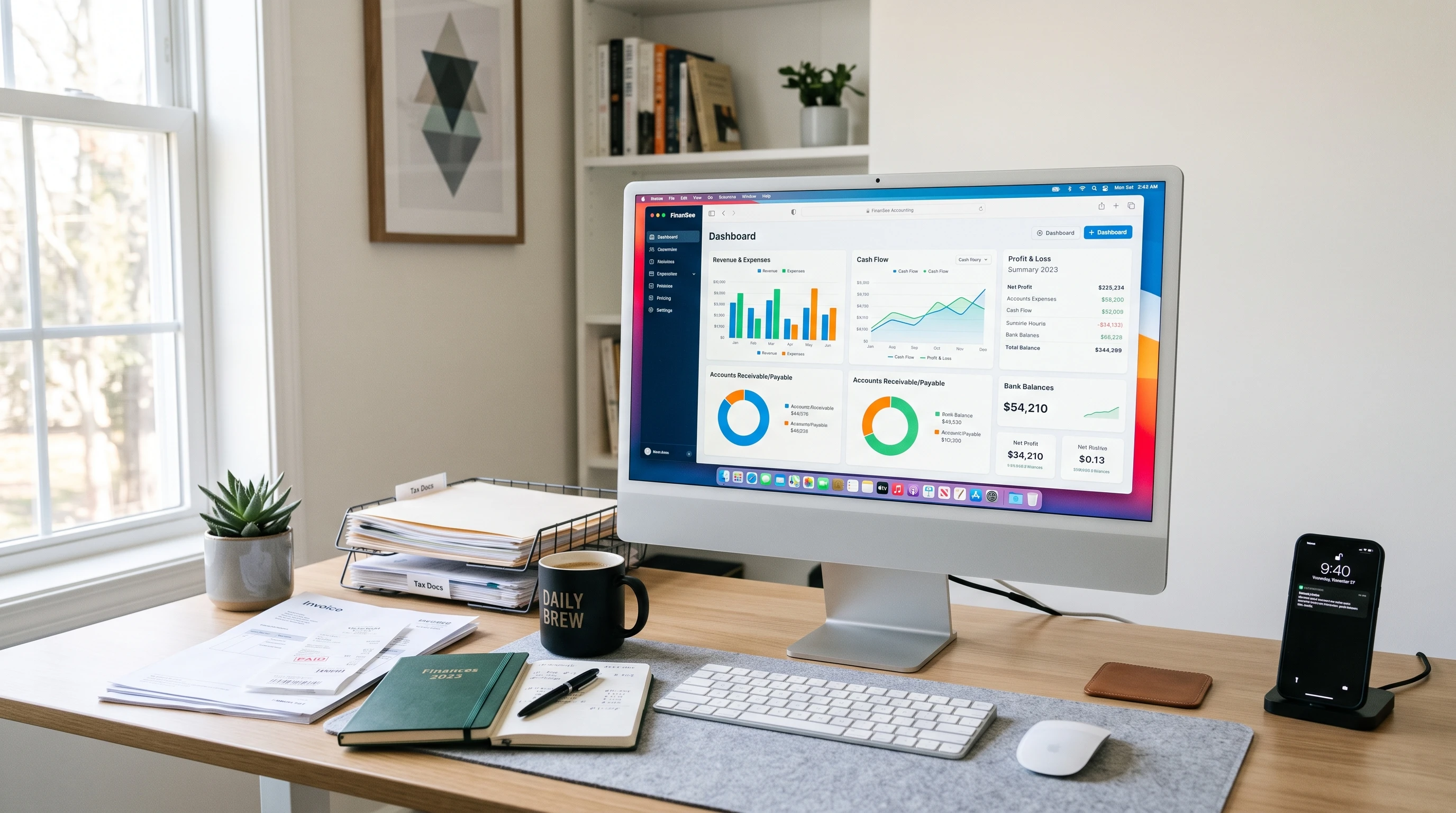
Why Use Accounting Software for Financial Processes?
Accounting used to mean stacks of paper, endless spreadsheets, and the constant fear of missing a detail. Now, accounting software does most of the heavy lifting. The great part is that modern programs provide more than just number crunching; they automate tasks, help prevent errors, and make compliance easier. The global accounting software market is valued in the billions, showing just how many businesses (from solo freelancers to big companies) are taking advantage of what these tools offer.
No matter your industry, streamlining your finances is a game changer. Accounting software frees up your time, keeps your data more secure, and can even give you real time insights to support better decisions. For people who aren’t professional accountants, that’s pretty handy. With more companies moving to digital systems, using accounting software is quickly becoming the norm instead of the exception. Not only does this approach help keep your business organized, but it also reduces stress during tax season, helps prevent fraud, and supports future growth. Business owners who embrace these solutions usually find their operations running smoother and their documentation always ready for review.
Getting Started: Key Features to Look for in Accounting Software
Starting out with accounting software might seem a bit intimidating because there are so many choices out there. I always look at a few “must have” features to make sure the tool will actually make my life easier, not harder. Here are the basics I keep an eye out for:
- Automatic Bank Feeds: Connects directly to your business bank accounts so transactions update instantly, saving you time on data entry.
- Expense Tracking: Lets you categorize expenses right away, making taxes much less of a headache.
- Invoicing Tools: Enables quick invoice generation, automatic reminders, and easy tracking of who owes you money.
- Financial Reporting: Generates clear profit and loss statements, balance sheets, and cash flow statements so you always know where you stand.
- Multiuser Access: Allows you to give trusted team members or your accountant access; no more emailing files back and forth.
- Cloud Access: Gives you the freedom to check your finances from anywhere, even on your phone.
- Proven Product: Accounting software can make everyday financial management much easier. QuickBooks helps small businesses streamline tasks such as invoicing, expense tracking, accounts receivable, and financial reporting while keeping important financial information organized in one place. If you’re looking to simplify your financial processes, QuickBooks is worth exploring. Its accounting and reporting tools can help save time, improve organization, and provide better visibility into your business finances. Click the QuickBooks link to learn more and start a free trial. I have had great success implementing it at several clients.
Additionally, if your business is growing or you foresee potential changes, look for software that can scale with you. Some platforms offer modules or add ons for inventory management, sales tax automation, or advanced analytics, giving you flexibility as your needs expand. Ease of use is also crucial; a clean interface with good support can mean the difference between frustration and a smooth process.
Step by Step Guide to Streamlining Accounting with Software
Getting your business set up with accounting software is pretty straight forward. Here’s how I usually approach it:
- Pick the Right Software: Figure out which features matter most for your business. If you handle lots of invoices, make sure it has great invoice management. If payroll is your pain point, prioritize that.
- Connect Your Accounts: Most platforms let you link your bank and credit card accounts in minutes. This cuts down on manual entry and reduces data errors.
- Import Existing Data: Upload your spreadsheets or previous records. Many programs can pull in old data automatically or guide you step by step how to import it.
- Customize Settings: Set up invoice templates, tax settings, user permissions, and automated reminders to match your workflow.
- Automate Routine Tasks: Take advantage of automatic expense tracking, invoice reminders, recurring billing, and financial reporting to keep everything running smoothly in the background.
- Review Data Regularly: Schedule regular check ins to review your reports and statements, making it easier to spot trends and avoid any surprises.
When everything’s set up, you’ll spend much less time on daily admin and more time focused on growing your business. As you keep using your new tools, you’ll pick up on additional tips and tricks that can shave even more time off your monthly workflows.
Practical Challenges to Watch Out For
Using accounting software does come with a few things you’ll want to consider. Here are some common speed bumps, plus some easy ways to get around them:
- Learning Curve: Switching from paper or spreadsheets to software can take a bit of time if you’re new to it. Most providers offer training videos, FAQs, or customer support to help you get the hang of things.
- Integration with Other Tools: If you use project management, payroll, or ecommerce platforms, check if your accounting software connects with them. Integration keeps all your info in sync and prevents duplicate work.
- Data Security: Keeping sensitive financial info safe is extremely important. Choose platforms that use encrypted connections, regular backups, and multifactor authentication.
- Updates and Backups: Cloud based tools handle these automatically, but it’s a good habit to check regularly that your data is backed up and your software is updated.
Learning Curve
There’s always that period of adjustment. I usually set aside a few hours to familiarize myself with the basics, watch video tutorials, and play around with sample data. It’s not long before tasks that once felt overwhelming become part of my routine. Some companies offer online communities and support groups where new comers can ask questions and share tips, making the transition much easier.
Integration with Other Tools
If you use something like Shopify or WooCommerce for online sales, finding an accounting tool with built in integration is really helpful. It saves time entering orders and tracking revenue, so you get a more complete financial picture faster. Some payroll services, inventory management solutions, and CRM systems can also connect directly, reducing data silos in your business.
Data Security
Financial records are sensitive. Always check what kind of security measures your software provider uses. Look for things like SSL encryption, user permissions, and whether they’ve got compliance certifications (like SOC 2 or ISO 27001). Staying sharp and using strong passwords, enabling two factor authentication, and following recommended best practices go a long way to keeping your data safe.
Updates and Backups
I like not having to think about manually updating software or running backups. Just keep your subscription active, and the provider should take care of these details so your info stays safe and current. However, it’s smart to periodically check your backup settings or save extra local backups for critical files as extra insurance.
With planning and a little patience, transitioning to accounting software pays off. The boost in accuracy and saved time really adds up in the long run. Many small businesses report a better handle on cash flow and improved decision making after adopting digital tools.
Taking Your Financial Management Skills Further
Once you’re comfortable with the basics, there are some ways you can get more value out of your accounting software:
- Customizing Dashboards: Rearranging dashboards so you see your most important figures at a glance helps prioritize what needs attention first.
- Setting Budgets: Many tools let you track performance against budgets, so you spot over spending early.
- Automating Payroll: If you’ve got employees, setting up automated payroll saves you a ton of admin time and shields you from common payroll errors.
- Linking with Tax Tools: When filing season rolls around, having your tax information already organized is a huge life saver. Some platforms offer direct integrations or export options for your tax pro.
- Using Mobile Apps: Checking cash flow, snapping expense receipts, or sending quick invoices from your phone means you never fall behind, even when you’re not at your desk.
- Analyzing Trends: Use built in reporting functions to check for seasonal swings or sudden changes in spending. Tracking these trends helps you plan better and avoid last minute surprises.
Digging into these features can really tighten up your business operations and minimize surprises each month. If you’re still exploring, take a tour of your software’s knowledge base or help center, you might stumble upon new shortcuts or ideas you hadn’t considered.
Everyday Uses: Real World Examples of Accounting Software in Action
The benefits of accounting software go way beyond just keeping the books balanced. Here are a few ways I’ve seen it make a difference in real world situations:
- Freelancers & Contractors: Managing client invoices and tracking time spent on gigs is a breeze, and reminders for late payments can be set up to run automatically. They also find it easy to generate expense reports and send receipts on the go.
- Retail Stores: Integration with point of sale systems lets owners see daily sales, run inventory reports, and spot trends right from their software dashboard. This means less time spent doing manual tallies and fewer mistakes in recording cash flow.
- Service Businesses: Automating recurring invoices for regular clients saves hours each month and keeps cash flow steady. For appointment based companies, linking calendar bookings to billing can minimize missed payments and confusion.
For example, a friend of mine who runs a landscaping business used to lose track of which customers had paid and which ones hadn’t. After switching to accounting software, all his customer payments and service quotes were organized in one spot. He gets paid faster and spends less time following up on late invoices. This kind of organization helps entrepreneurs stay on top of collections, payroll, and even inventory, ensuring every part of the operation is running smoothly.
Frequently Asked Questions About Accounting Software
Here are some common questions I hear from people starting to use accounting software:
Question: Which accounting software is easiest for beginners?
Answer: Programs like QuickBooks Online, Xero, and Wave are known for being user friendly and have great support and tutorials for those new to business bookkeeping. Platforms with intuitive interfaces and clean navigation can make a big difference when you’re learning.
Question: Can accounting software help with tax filing?
Answer: Absolutely. Most platforms organize income and expenses into tax categories, and many let you export everything your CPA needs or connect directly with e filing partners. Some even provide current tax rate updates and reminders for upcoming deadlines, giving you a head start each year.
Question: Is accounting software safe for storing financial data?
Answer: Safety really depends on the platform you choose. Cloud based services with strong encryption and security certifications are really secure. Always use strong passwords and enable two factor authentication. For extra caution, review the privacy policies and security features listed on the provider’s website. Being proactive protects your sensitive information every day.
Final Thoughts: Making the Switch to Accounting Software
Making the move to accounting software might seem like a big step at first, but the payoff is real: fewer manual mistakes, time saved, and a much better overall view of how your business is doing. Whether you’re a freelancer, a small business owner, or a manager at a growing company, having the right tool means you can focus more on what matters and less on number crunching. If you’re still juggling spreadsheets or paperwork, now’s a really good time to explore what accounting software can do for you. Making the switch often leads to newfound confidence, easier collaboration with your accountant, and a clearer roadmap for your business’s next steps. Check out some options, and give your financial process a boost!
Here’s a little transparency: Our website contains affiliate links. This means if you click and make a purchase, we may receive a small commission. Don’t worry, there’s no extra cost to you. It’s a simple way you can support our mission to bring you quality “Business Planning content.”
Hello! To me, the automation benefits are clear (especially for recurring invoices and bank feeds), but I’m curious how you advise a small business to verify the rules those automations use before relying on them month after month. Do you recommend a weekly reconciliation routine and a monthly review of uncategorized transactions to catch duplicates, incorrect expense categories, or sync issues early?
For a service-based business, linking invoicing, payment status, and cash flow reporting can be a major time-saver when properly configured! Thanks!
Thanks for the comment.
I am not sure what you mean when you refer to the rules of automation?
A monthly review should be happening anyway as part of the month end book closing routine.
I’ve always wondered how small businesses keep track of everything financially without spending hours on spreadsheets. Does accounting software really make that much of a difference in streamlining everyday financial tasks? I’m curious which features are actually the most useful for a small business. This definitely makes me want to look into accounting software a little more.
Thanks for the comment.
Accounting software does make a big difference. I had a client a number of years ago that had a manual accounting system. They kept their Accounts Receivable on manual customer cards. He was always complaining about cash flow. I installed a computerized system and all of a sudden he had accurate and timely Accounts Receivable. He tightened up on what customs owed and greatly improved his past due. As a result he reduced receivables by $90,000. That was like getting an interest free loan! Software like QuickBooks is relatively inexpensive and well worth it.